Forms of Education
Distance Learning
Distance Learning – is an individualised process of acquiring knowledge, skills, abilities and ways of cognitive activity, which takes place through mediated interaction between participants in the educational process who are remote from one another, in a specialised environment that operates on the basis of modern psychological, pedagogical and information and communication technologies.
When necessary, our school may switch to distance learning for a period of time during the year.
The school follows the Regulations on the Distance Form of Obtaining Complete General Secondary Education, approved by Order of the Ministry of Education and Science of 08.09.2020 No. 1115 https://mon.gov.ua/ua/npa/deyaki-pitannya-organizaciyi-distancijnogo-navchannya-zareyestrovano-v-ministerstvi-yusticiyi-ukrayini-94735224-vid-28-veresnya-2020-roku
The main tools of the educational process during distance learning at our school are the electronic education system "My School" and the Google Meet video communication service.
Dear participants of the educational process!
We provide information about additional educational platforms and resources that you can use:
The electronic resource All-Ukrainian Online School https://lms.e-school.net.ua/
Also for our students' attention:
- Materials and TV lessons posted on the website of the Department of Education and Science in the "Distance Learning" section https://don.kyivcity.gov.ua/content/dystanciyne-navchannya-resursy.html
- An educational initiative for primary and secondary school students in Ukraine: from the Bazys school https://vb.me/school_info together with the School.info Viber community
- Online learning for all children in Ukraine who can join classes on Zoom: from the A+ Academy of Modern Education https://aplus.ua/
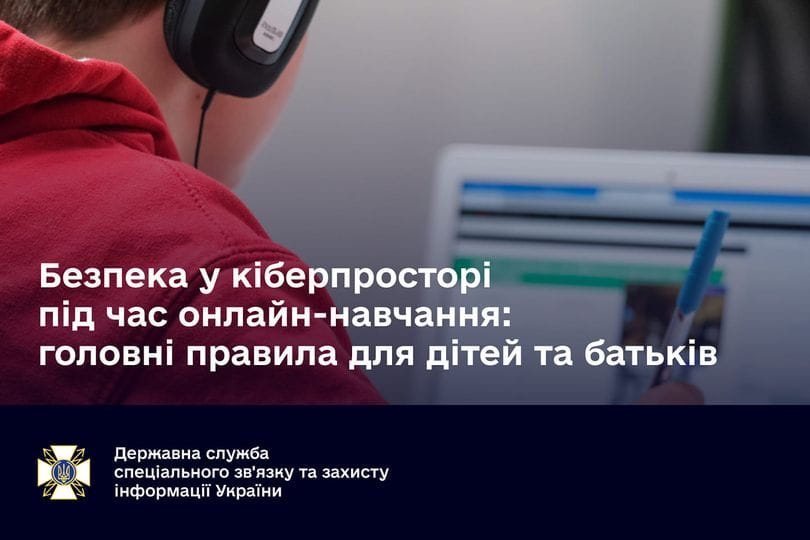
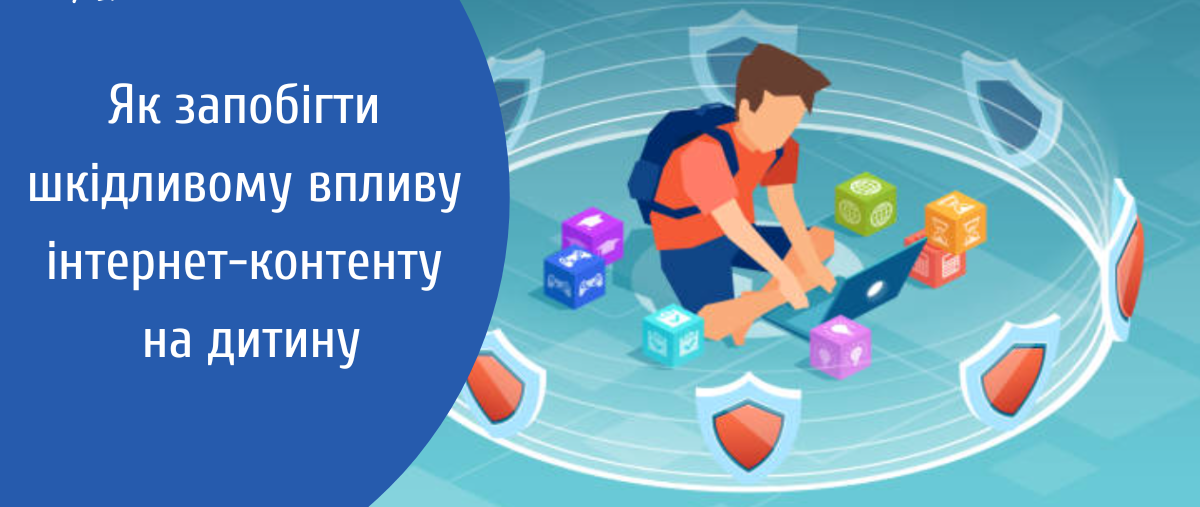
Tips from the State Special Communications Service: how to stay safe in cyberspace during online learning:
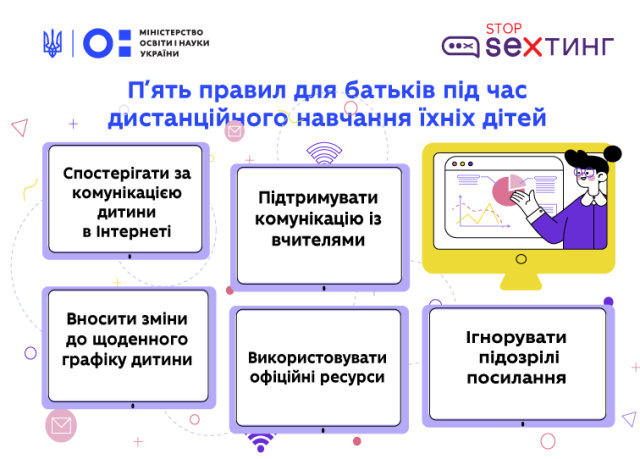
- Help your child set up all the protection settings needed on a smartphone or computer. Make sure they can connect on their own and open the necessary web pages.
- If your child needs to register on a particular website or create an account for learning, do it together. Do not allow them to use adult accounts.
- Agree with your child that during lessons they will use only the internet resources needed for learning: the video conferencing programme chosen by the teacher, websites with learning material, a messenger for messages. If necessary, set up the relevant bookmarks in the browser.
- Teach children to create strong passwords and not to share them with anyone.
- Explain and constantly remind them about the risks in cyberspace: the likelihood of catching viruses when opening suspicious links, attachments and files (even if they were sent by classmates); the risks of installing unknown programmes; the danger of online communication with unfamiliar users; the threats that can arise from spreading personal information, private photos, a phone number, a home address, bank card details and the like on the internet.
- If necessary, check which websites the child visited during the day. This can be done with the "History" tab in the browser. The "Downloads" tab will show which files were saved from the internet.
- If the child is in primary school, use special programmes that filter content and make the necessary settings (for example, Windows has a built-in "Parental Controls" feature).
- Remind children of the rules of ethical online communication. Aggression and bullying are strictly forbidden.
- Discuss with your child a plan of action for unusual situations. For example, what to do if there is no internet, if a file with a virus is downloaded by accident, if a message is received from a stranger, and so on.
- The child should know that in any case they can count on the help of a teacher or parents.
We all know the simple rules that allow us to use the Internet relatively safely, but it will not hurt to remind ourselves of them once more. It is especially important to convey this information to children who are only beginning their travels across the World Wide Web.
Practical tips for parents on blocking content that is harmful to a child
If parents want to protect their child from the negative influence of information on the Internet, especially from harmful content, they can:
limit the content and the time the child spends on the Internet using technical tools. For example, the Google Chrome browser offers the Adult Blocker extension, a web filter that restricts children's and teenagers' access to certain websites. In addition, there are special parental control programmes ("ChildWebGuardianPro", "Teentor", "KiberMama", etc.), search engines designed specifically for children ("Kiddle", "Safe Search Kids") and browsers ("Children's Browser", "Safe Browser for Education with Parental Controls and Porn Blocking");
if harmful content is found, contact the support service of the relevant social network or the website administrator;
if harmful content that is prohibited by the legislation of Ukraine is found, contact the Cyber Police Department of the National Police of Ukraine immediately.